
🎥 Watch the Video Walkthrough
📖 Written Step-by-Step Guide
To change your password in the TitleCapture app:
1. Log in to your TitleCapture app
2. Once you are logged in, click on your photo on the top right of your screen and choose "Profile Settings" from the dropdown
3. Click the "Email & Password" Tab
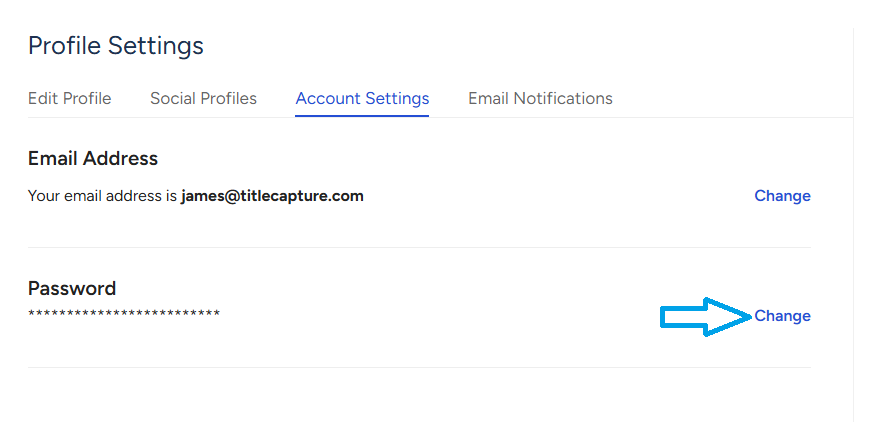
4. Click on the blue "Change" button to the right of the Password textbox. Enter your current password and then your new password in the menu that appears. Click "Change Password" when done to confirm the change.
If you have any issues completing the steps above, please send an email to [email protected] and we will update your password for you.