First, please add your own social media URLs to your profile (see our article on setting up your profile).
Click your name on the Top Right hand side of your screen
Click on Profile Settings
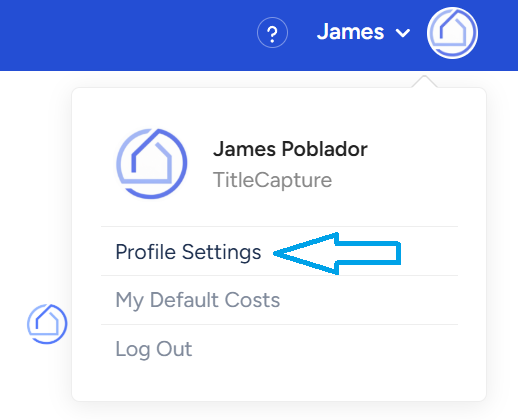
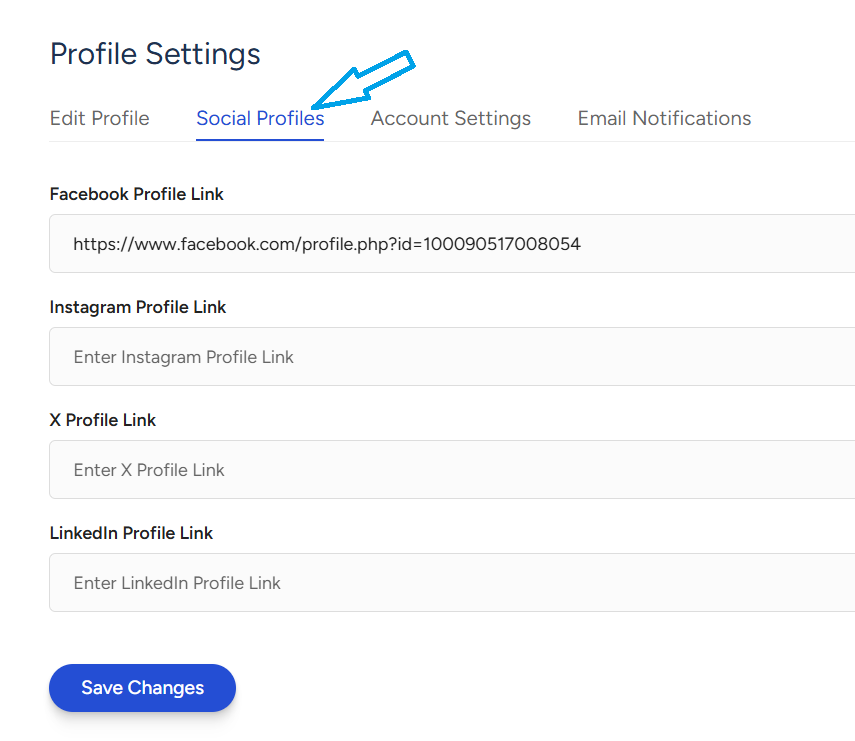
Access your social media profile settings.
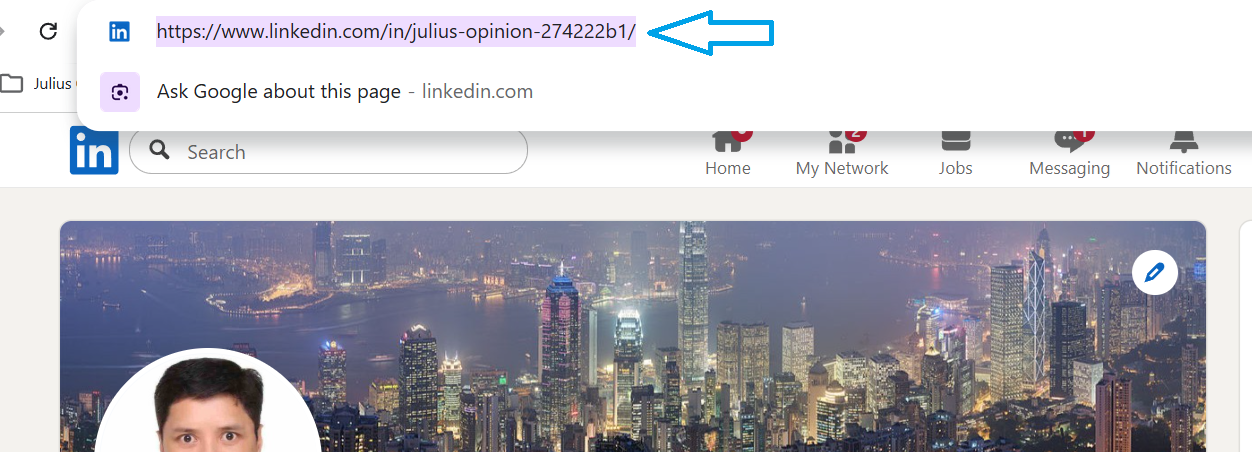
Copy your social media URL
Go back to the app and paste the URL into your Personal Info section under Profile (on the facebook, Twitter or Linkedin fields)
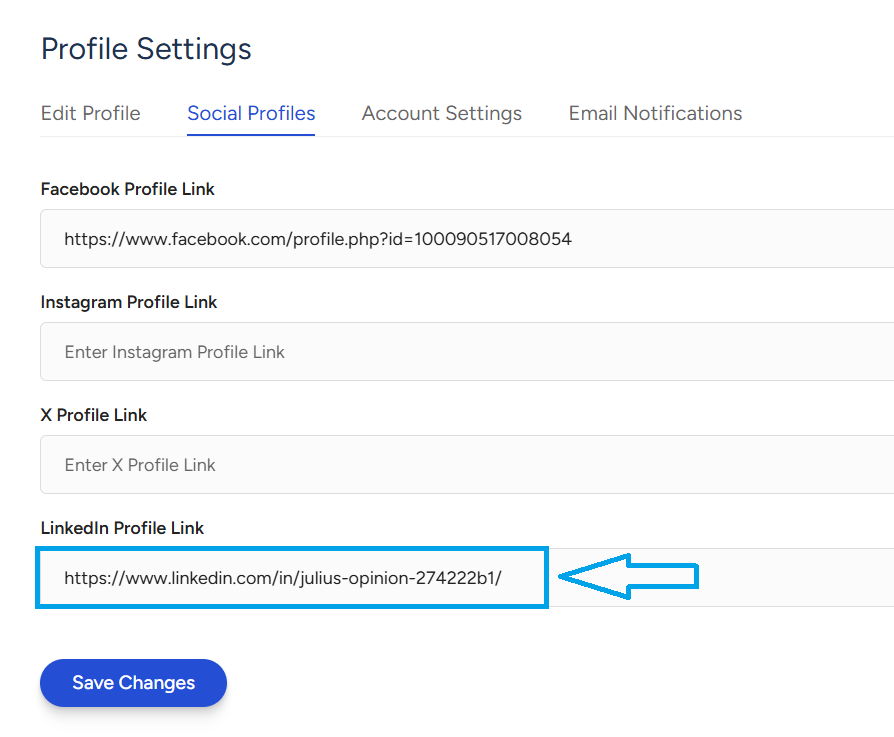
Then click on “Save Changes”
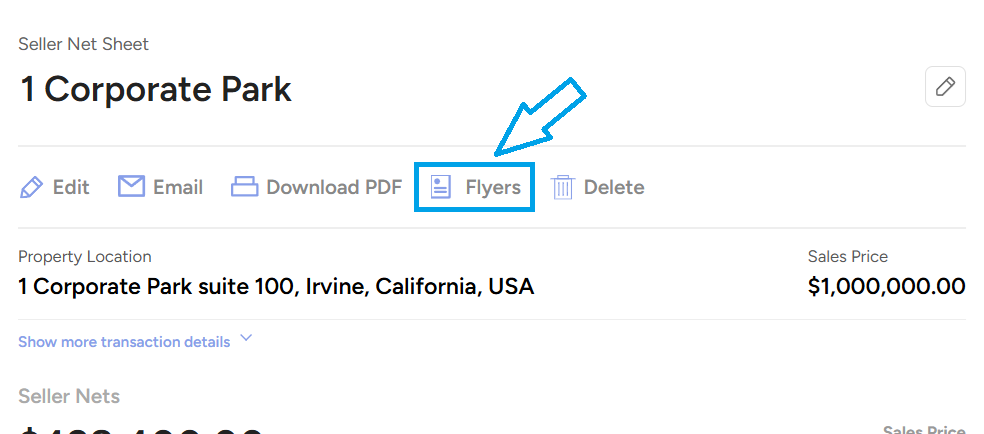
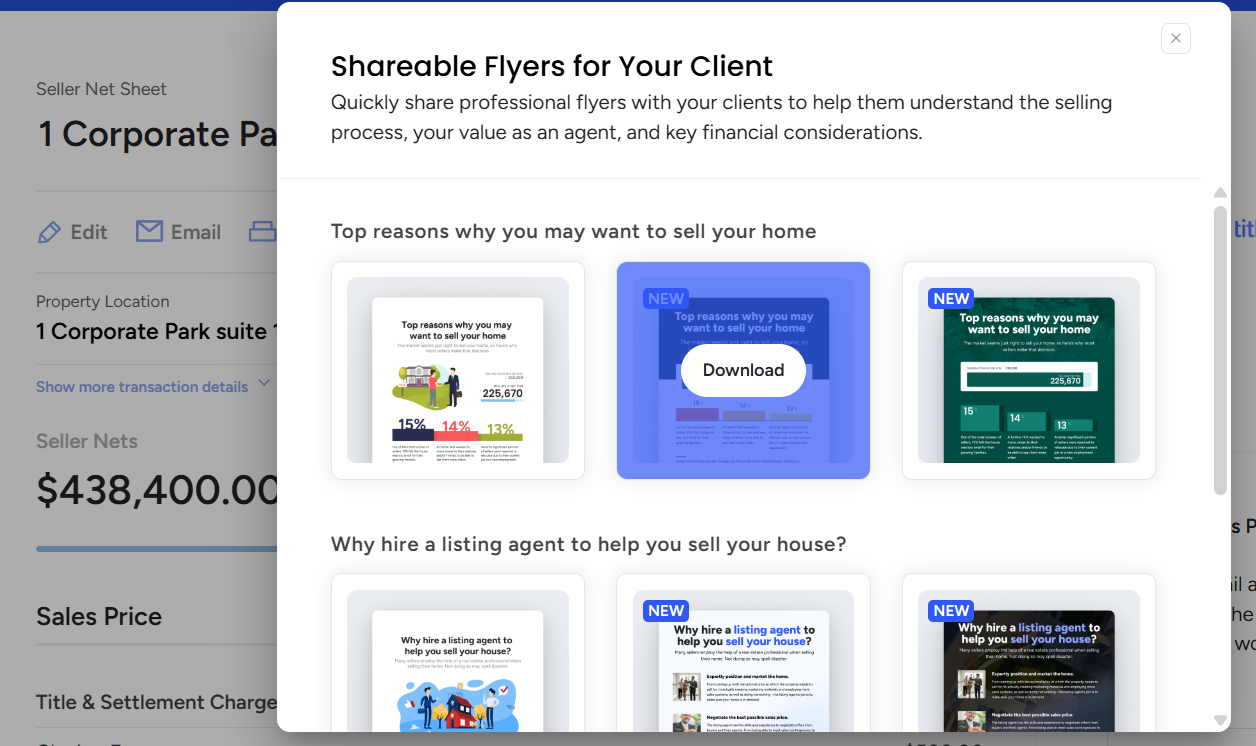
We also provide flyers within the app that you are welcome to download and add to your social media posts. To access those, please Generate a Seller Net Sheet or Generate a Buyer Estimate from your app.
Then, click on the Flyers button:
Click on a flyer, which will download to your computer. From there, you can add it to your social media posts.
If you need assistance on anything above, please feel free to contact the TitleCapture Support Team at [email protected].
