The Website Builder is a guided tool that helps you create, customize, and publish your website—no technical or design experience required. It walks you through each step of the process using a simple, visual layout, so you can see your changes as you build.
The Website Builder is designed to be intuitive and flexible, allowing you to update your site at your own pace while previewing your work before going live.
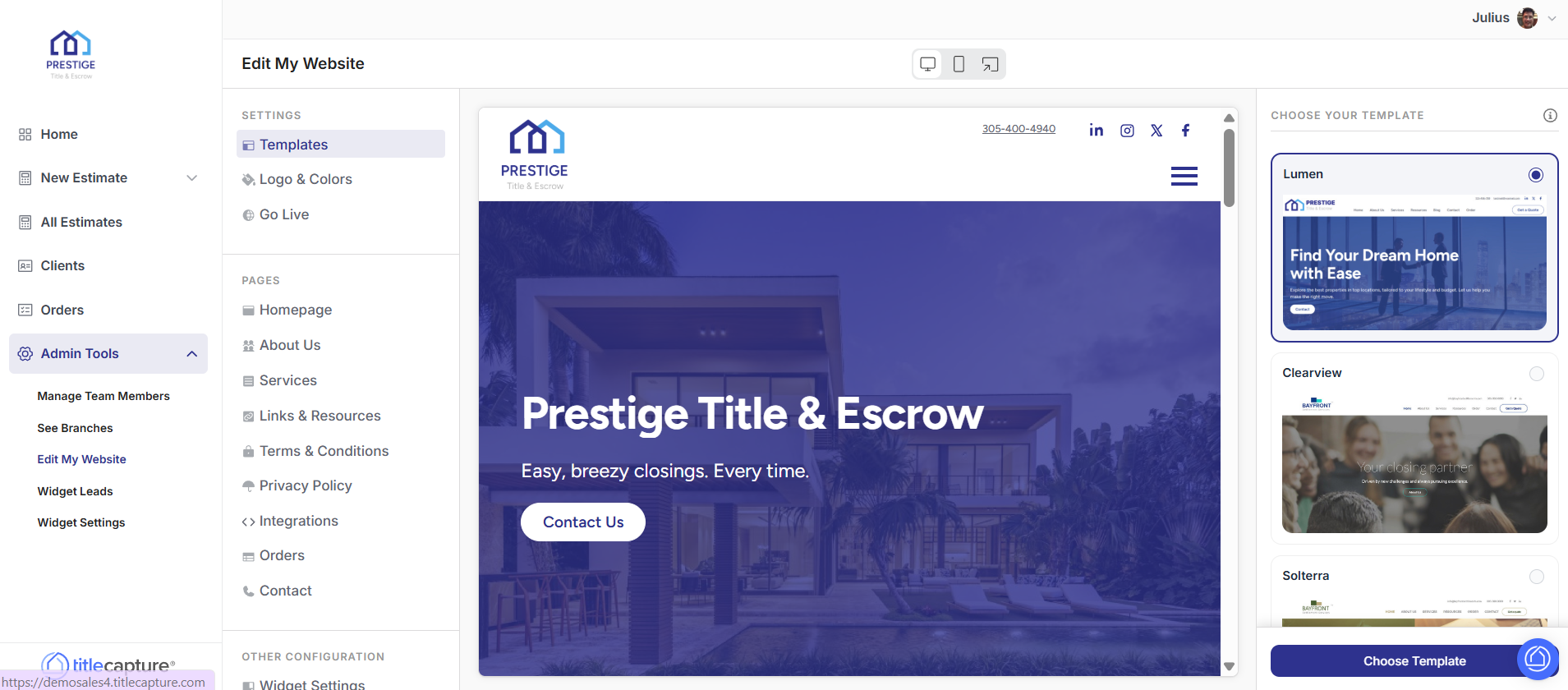
The Website Builder page is divided into three main sections, each with a clear purpose.
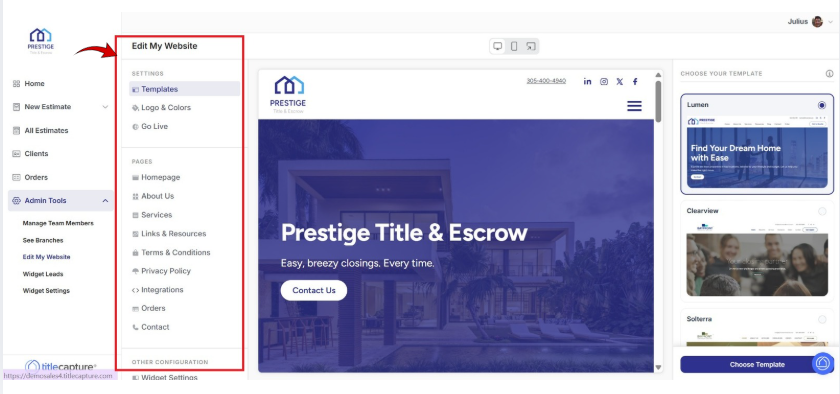
The left-hand navigation panel is your main control center. This is where you choose what part of your website you want to work on.
From this menu, you can:
Select templates
Customize your logo and colors
Publish your website
Manage individual pages such as:
Homepage
About Us
Services
Links & Resources
Contact
Integrations
Legal pages (Privacy Policy, Terms & Conditions)
This menu allows you to move between sections without losing your progress.
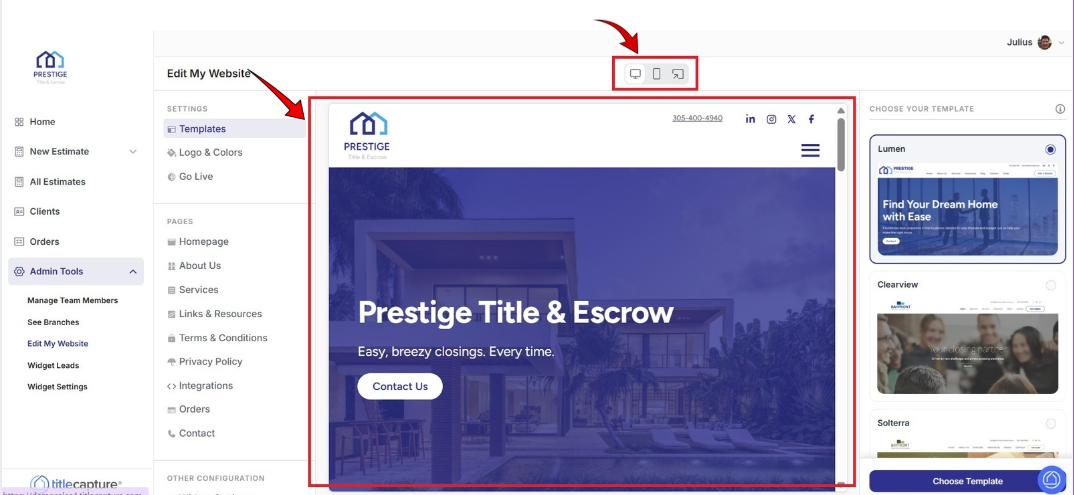
The center preview area shows a live preview of your website, exactly as visitors will see it.
As you make updates—such as editing text, changing images, or adjusting layouts—you can review those changes visually in this area.
You can also:
Scroll through the page to review all sections
Switch between Desktop and Mobile views using the icons at the top
This helps ensure your website looks professional and works well on all devices.
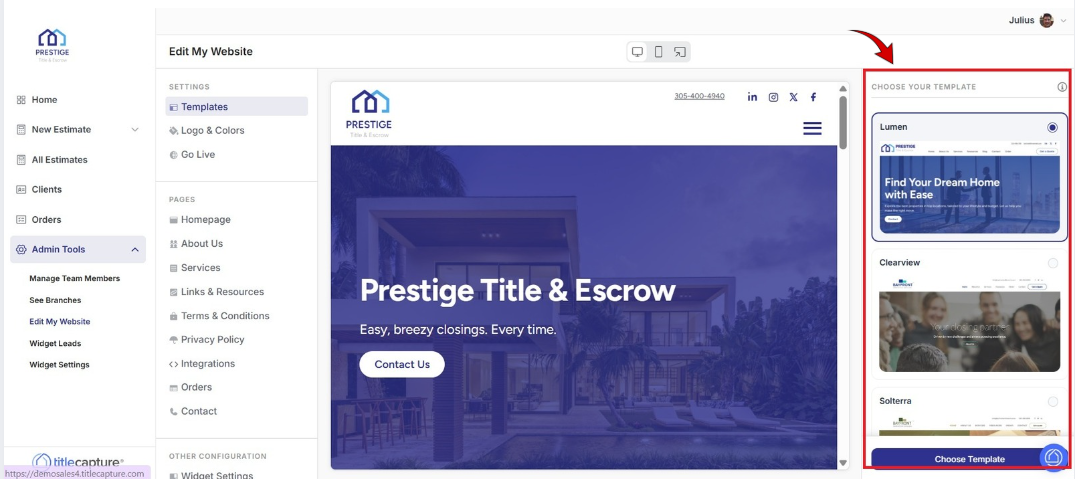
The right-hand editing panel is where you make changes to the page or section you selected.
Depending on what you’re editing, this panel may allow you to:
Update page titles and text
Upload or replace images
Add videos or links
Configure buttons and calls to action
Add services, partners, or resources
When you’re done making changes, click Save or Apply at the bottom of the panel to store your updates.
The Website Builder follows a simple, repeatable workflow:
Select what you want to edit from the left-hand menu
Edit the content using the right-hand panel
Save your changes
Preview the results in the center of the screen
Publish your website.
You can return to the Website Builder at any time to update content, refine your design, or make adjustments as your business grows.
Edit My Website > Settings
Included articles on templates, logos and colors, and publishing your website.
Edit My Website > Pages
Contains step-by-step guides for editing each page of your site, including Homepage, About Us, Services, Links & Resources, Contact, and Legal pages.
Edit My Website > Other Configuration
Includes step-by-step guides for configuring website widgets and managing blog settings to enhance your site’s functionality.
If you have any questions or need additional help, please reach out to us at [email protected]. We’re always happy to assist.
